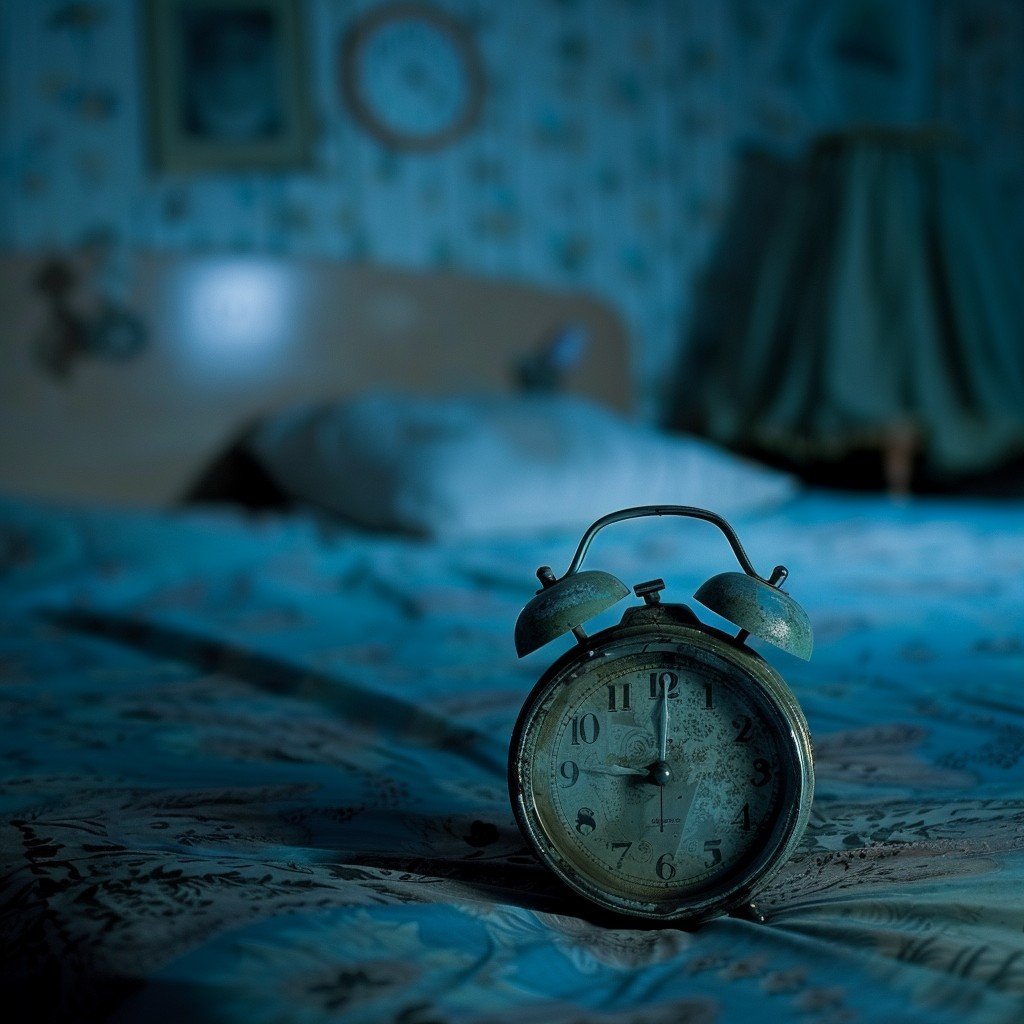
My dorm room in freshman year had a streetlamp right outside the window. It was bright orange and buzzed all night. I didn’t have blackout curtains, so my room was permanently stuck in a weird twilight.
I slept terribly. And because I slept terribly, I drank more coffee. Because I drank more coffee, I couldn’t sleep the next night. It was a vicious cycle that ended with me falling asleep in an Intro to Psychology lecture.
That psychology class actually taught me something valuable, though: Light is the enemy of sleep.
The Blue Light Problem
Our bodies run on a Circadian Rhythm—basically an internal 24-hour clock that tells us when to be awake and when to pass out. This clock is controlled almost entirely by light.
When your eyes detect bright light (especially blue light from phones and laptops), your brain stops producing Melatonin. Melatonin is the “sleepy chemical.” No Melatonin means you lay in bed staring at the ceiling for hours.
Why Most Alarm Clocks Fail
The problem with most digital clocks (and definitely phones) is that they are light bombs.
- Phones: If you check the time on your phone at 3 AM, the screen blasts you with 500 nits of brightness. Boom, your brain thinks it’s noon. You’re awake.
- Old School Alarm Clocks: Remember those red LED clocks from the 90s? They were okay, but often too bright, casting a creepy red glow over the whole room.
Why I Designed XClock for “Dark Mode” First
When I was building the [Online Alarm Clock] for this website, my number one rule was: Don’t wake up the user’s eyes.
I chose a deep navy background and a soft cyan/neon glow for a specific reason. It’s high contrast enough to read if you wake up blurry-eyed at 4 AM, but it’s dark enough that it won’t light up your bedroom.
How to Use the Sleep Timer for Better Rest
Another part of sleep hygiene is the “wind-down” routine. You can’t just close your laptop and expect to sleep instantly. Your brain needs a buffer zone.
I added a [Sleep Timer] feature specifically for this. Here is my personal routine:
- I put on “Brown Noise” or rain sounds in a separate tab (YouTube is great for this).
- I set the XClock Sleep Timer for 30 minutes.
- I turn off my monitor, leaving just the clock visible.
- I read a physical book (no screens!) until the timer ends.
When the timer hits zero, it plays a soft sound to let me know “Okay, reading time is over, lights out completely.” It’s a boundary. Without the timer, I’d read until 2 AM.
The “Phone in the Other Room” Challenge
If you really want to fix your sleep, try this: Leave your phone charging in the kitchen.
“But I use my phone as my alarm!” is the excuse everyone gives.
Use your laptop instead. Open XClock, set your [Alarm], turn the volume up, and dim the screen. Since XClock prevents your computer from sleeping while the alarm is active, it will ring in the morning. This forces you to get out of bed to turn it off (which is the only way I actually wake up), and it keeps the temptation of “doomscrolling” away from your pillow.
Your sleep is the foundation of your entire day. Protect it aggressively.